
Practice setting a stop-loss in MARKET ARENA
Longs and shorts get stopped out in opposite directions. Use virtual funds to open a position, set a stop and see how it closes.
Set the stop price for a position
- Choose the share of funds to use and your leverage, then tap Buy (Long) or Sell (Short).
- Open Details (詳細), then Stop-loss and Take-profit (損切り・利確). Set a stop price for the side you opened.
- A long stop triggers when price falls to it. A short stop triggers when price rises to it. The game submits a market close and the fill may differ from the stop price.
The liquidation line is the game's estimate of when it force-closes a position based on its loss. See the forced liquidation glossary entry for the rule.
Read the AI stop-outs on the chart
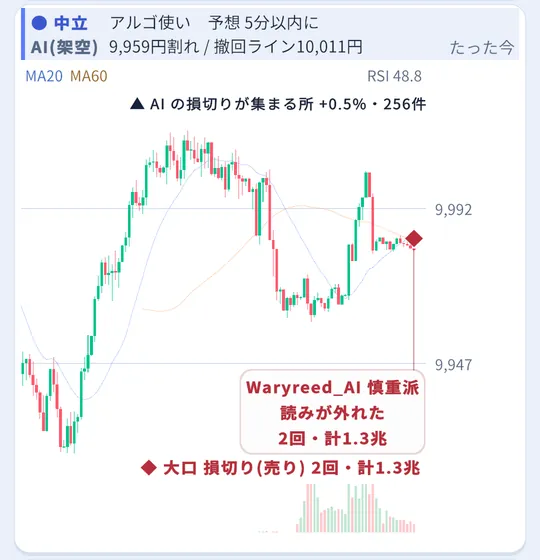
Each of the 742 AI traders makes its own decisions. If an order reaches a price where stops cluster, one stop-out can trigger another. The result displays how many AI traders your order stopped out.